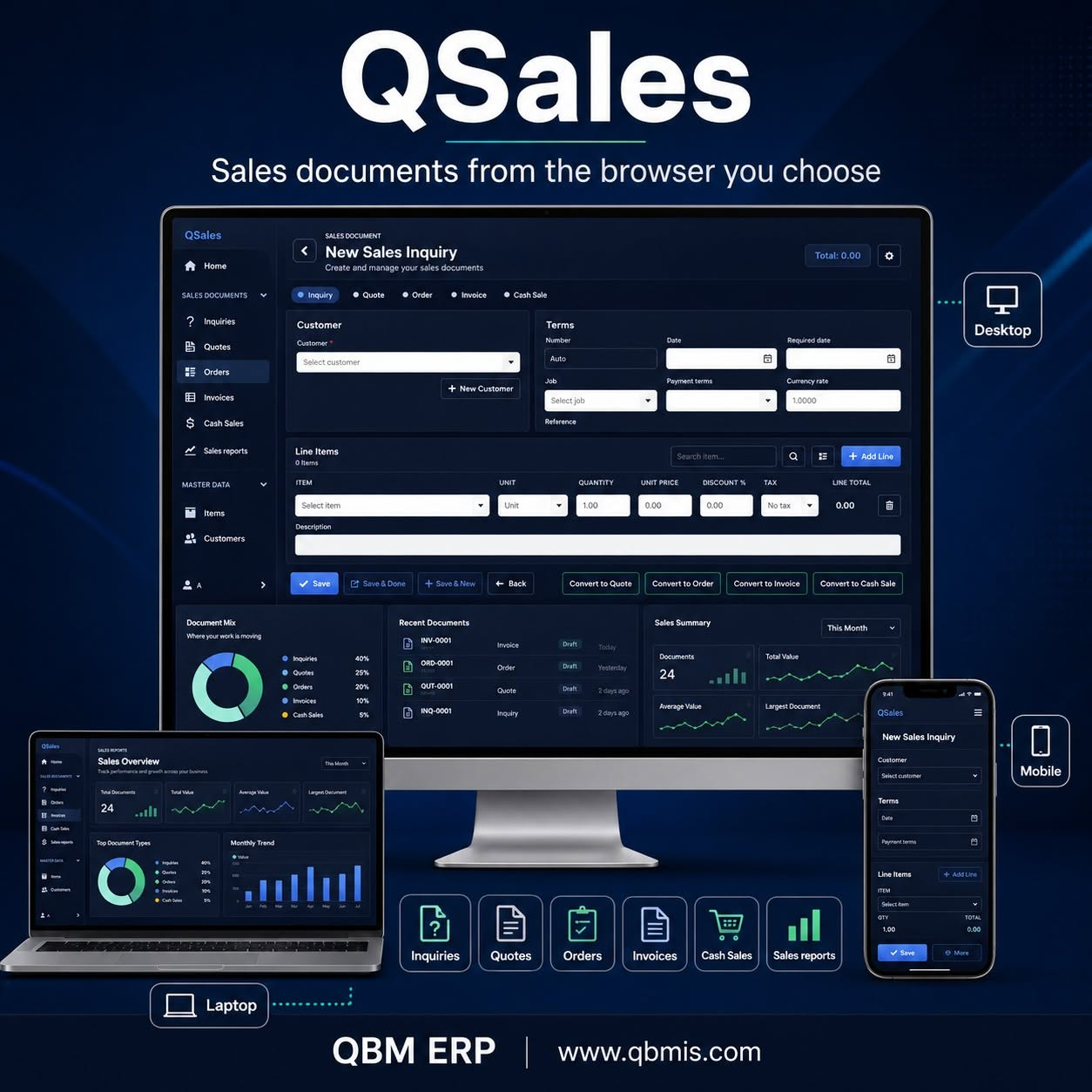








QSalesView
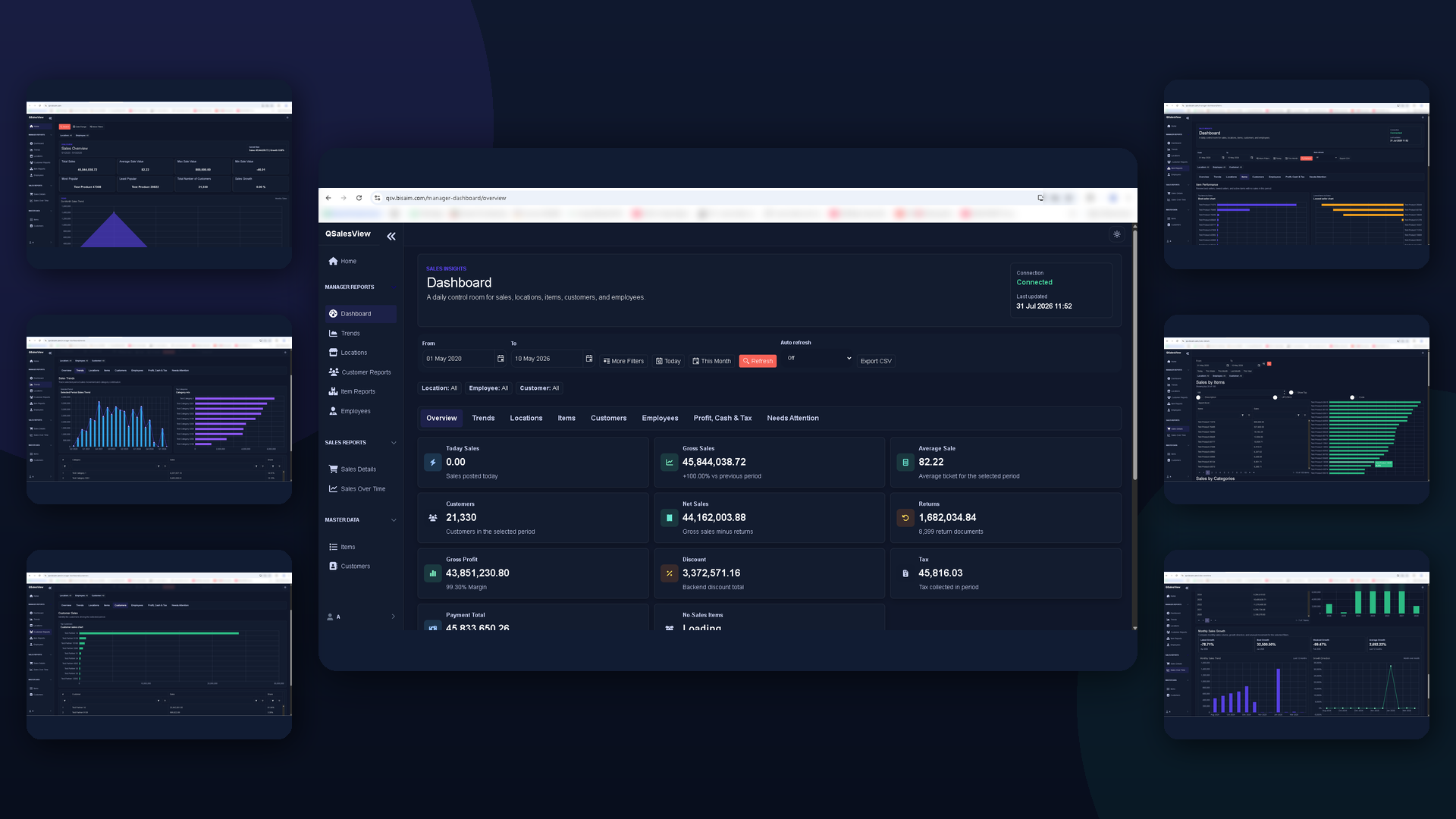
Sales dashboards for owners and managers who need quick visibility into totals, trends, items, customers, employees, and locations.
View QSalesViewQBM Web Apps · by Business Aim
QBMConnect explains focused browser companion apps for QBM customers. Open approved sales and attendance workflows while your company keeps its data under its control.
Available apps
Each app supports a specific browser workflow while the full QBM ERP remains the main system for finance and operations.
Sales dashboards for owners and managers who need quick visibility into totals, trends, items, customers, employees, and locations.
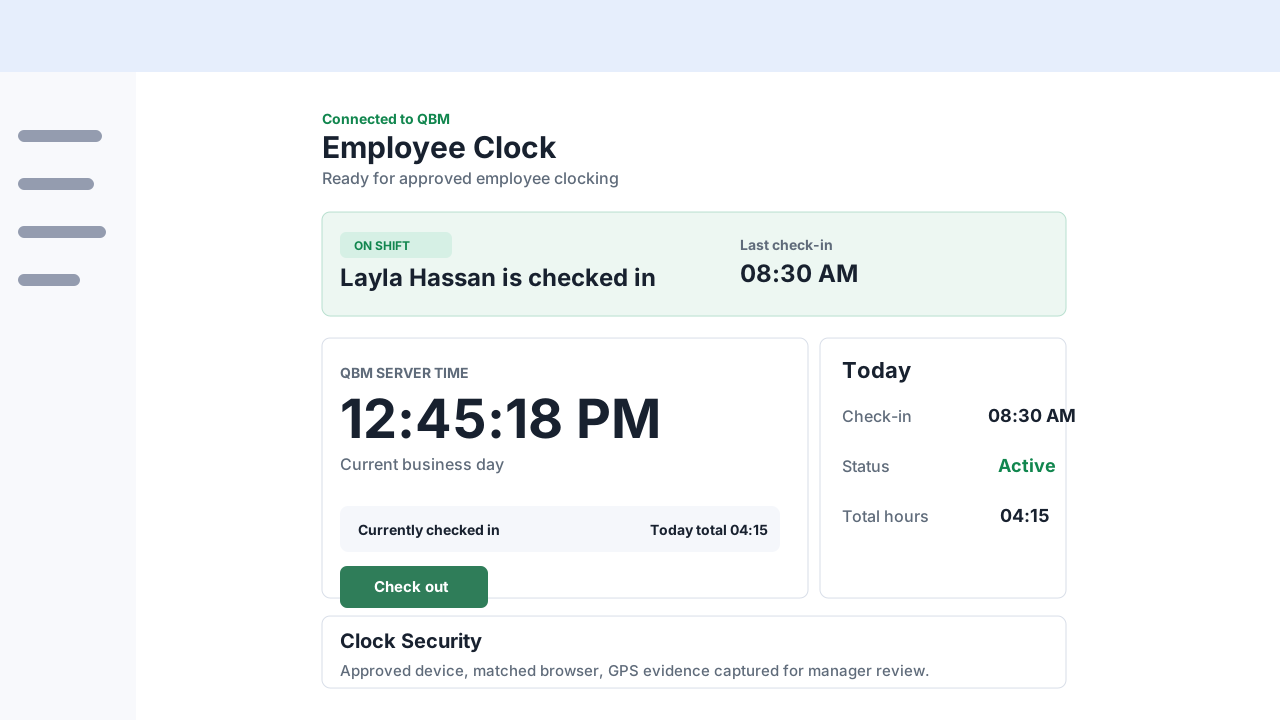
View QSalesViewEmployee check-in and check-out for approved users, with attendance review context for authorized managers.
View QClockAccess anywhere · data stays yours
QBMConnect gives customers a clear way to explain browser companion apps while private QBM systems and company data stay under customer control.
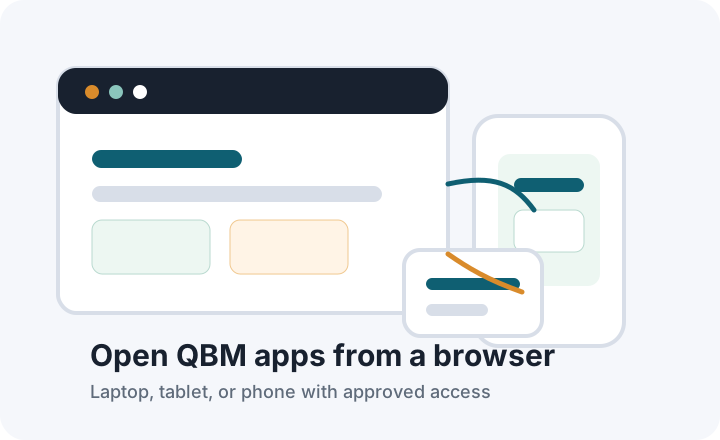
Open approved QBM web apps from office computers, mobile devices, or remote browsers when access is configured for your company.
Approved browser traffic reaches the app through a secure routed connection. The company database remains private on the customer side.
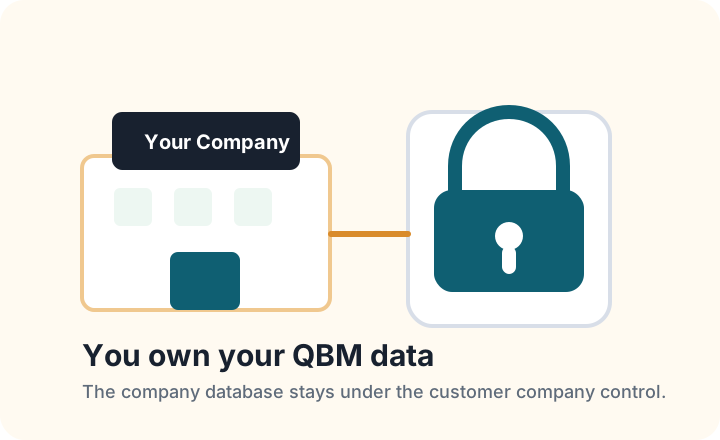
The customer company keeps ownership and control of its database. QBMConnect provides access explanations, not ownership transfer.
Business Aim trust
Business Aim has served companies since 2003, with QBM as the flagship business system and QBMConnect as the browser-app explanation hub.
Business Aim is the Dubai company behind QBM and its companion apps. Visitors can confirm the company profile, services, products, and contact details at www.bisaim.com.
QBM helped us add new sales channels, connect sales activity, manage inventory flow, and handle multi-currency transactions.
QBM ERP helped streamline manufacturing workflows across inventory, sales, purchasing, procurement, and management reporting.
Example app views
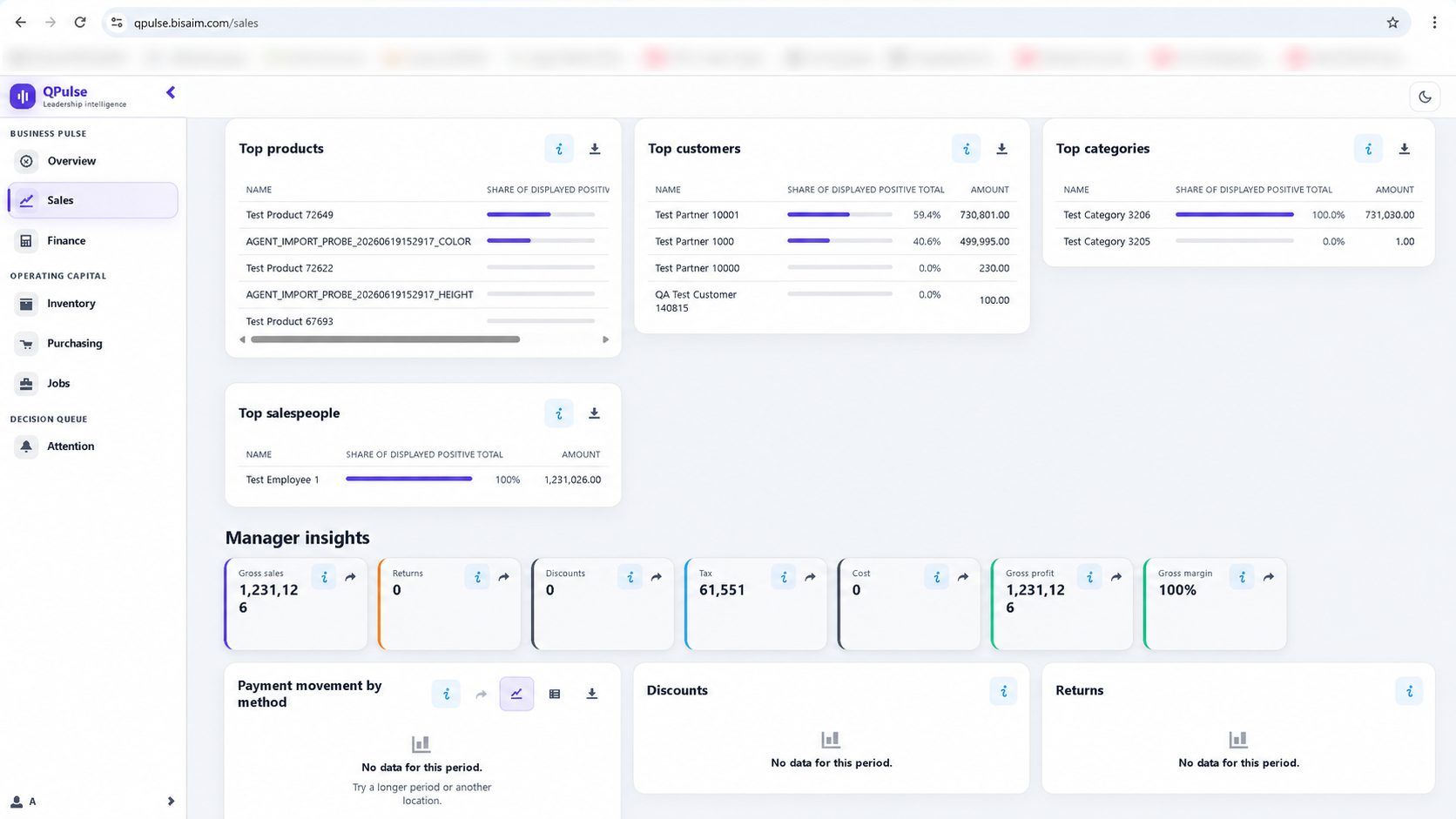
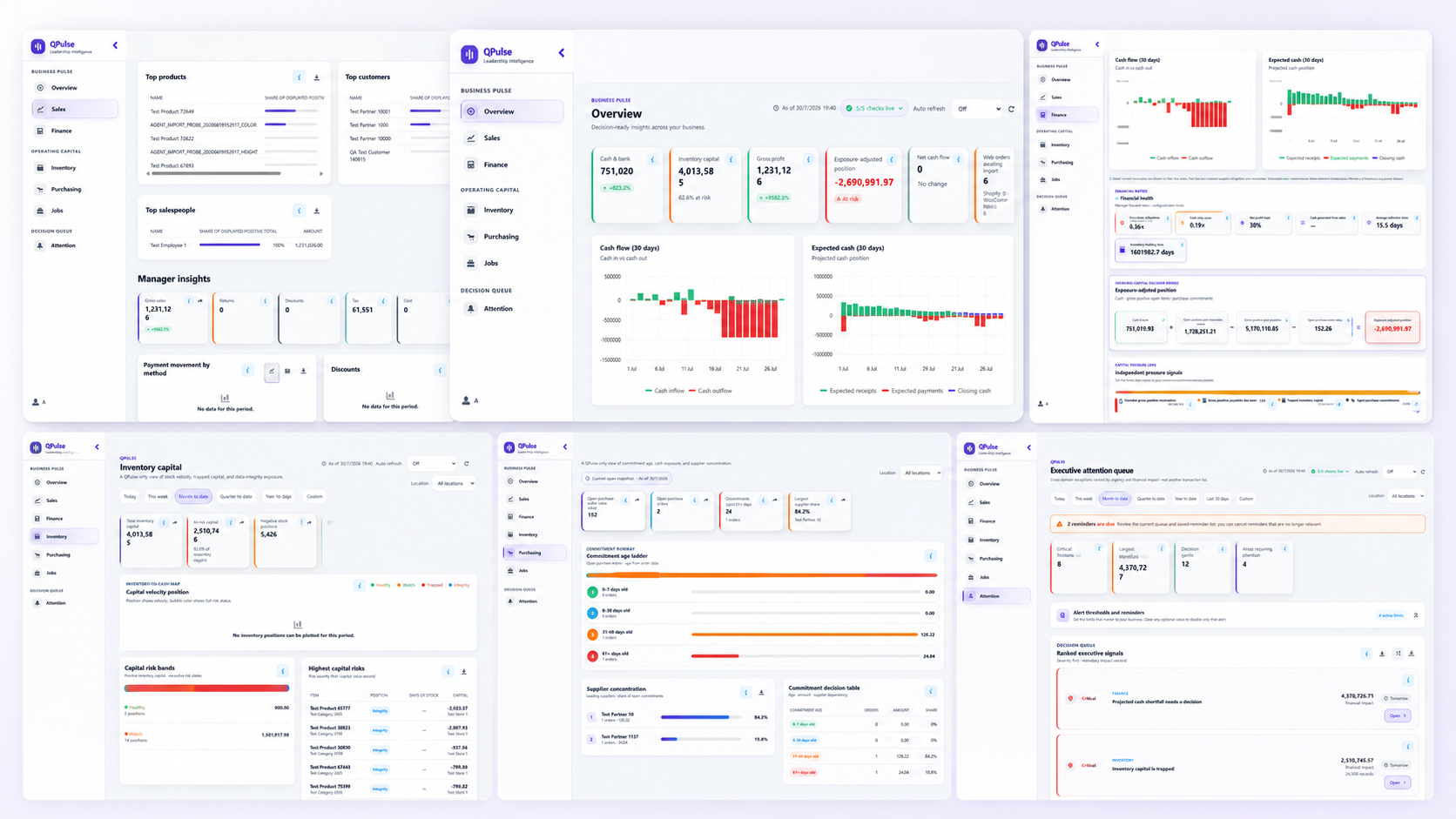
Sanitized views keep the focus on the useful screens managers and employees will recognize.
Managers review totals, growth, customers, no-sales items, and location performance from the browser.
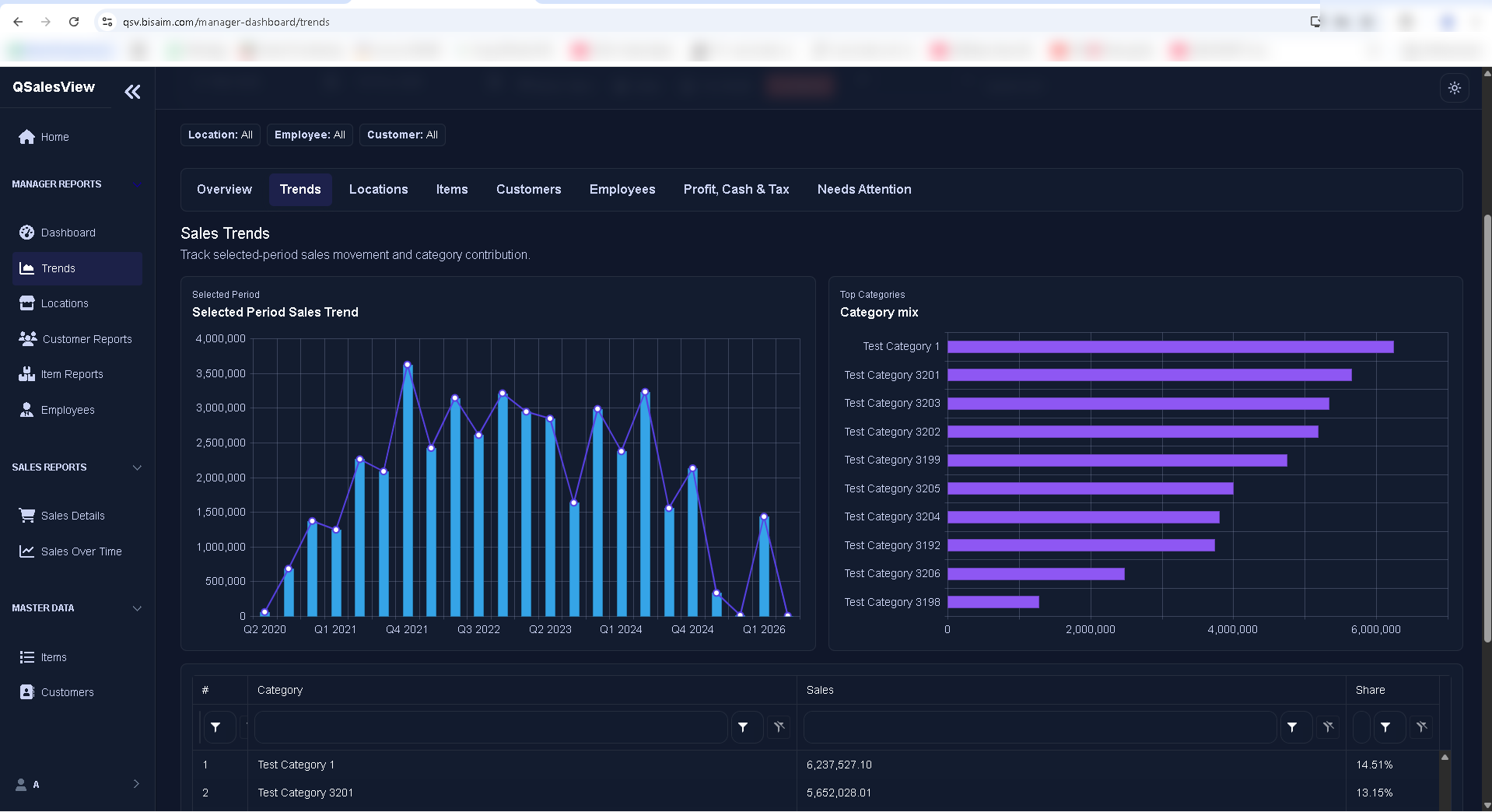
Trend and category views help managers understand movement without opening desktop reports.
Employees see QBM server time, current status, today's totals, and device security status.
How it works
QBM web apps reach private QBM through a secure controlled connection. QBM Server and the company database remain on the customer machine or private network.
See how access worksNext step
Contact Business Aim for QBMConnect, QSalesView, QClock, or full QBM ERP enquiries.
Use the main QBM site for ERP modules, demos, support documents, and implementation enquiries.